How to Export a Class Information Report
Note: you can export your class information as a PDF, Word document or Excel spreadsheet.
To export your class information as a report follow the below instructions.
-
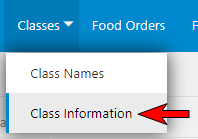
Select the 'Class Information' menu.
-
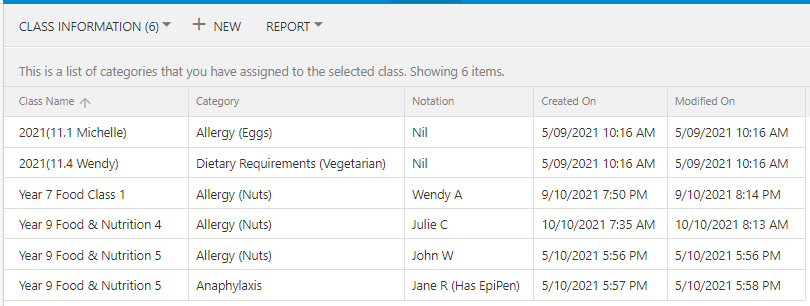
This will open the 'Class Information' window which will list all of your class information records regardless of which class they are assigned to (refer to the below image).
-
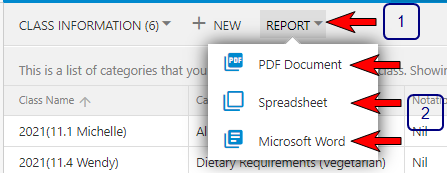
Select the 'Report' menu then select the type of report that you would like to export your class information into. You can select from PDF Document, Spreadsheet or Microsoft Word (refer to below image).
-
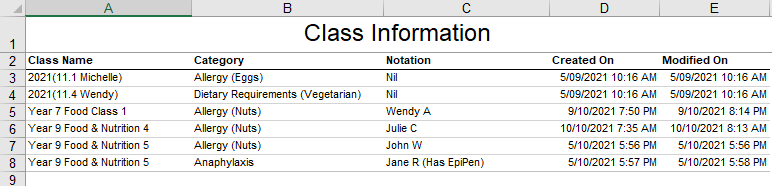
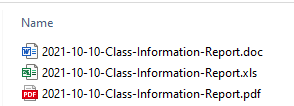
Depending on the web browser you are using the report will either download to your computer or open in your web browser which you can then save to your local computer. The file name will start with the date that you downloaded it followed by 'Class-Information-Report' followed by the file extension i.e. the type of file you selected for download (refer to below image).
-
Example: Spreadsheet